Showing posts with label Tools. Show all posts

Wednesday, 23 March 2016

TROUBLESHOOT ACCOUNT LOCKED OUT ON ACTIVE DIRECTORY


  1. If the user accessing email (MS Exchange) using smart phone/ipad, please make sure user configure using the right username & password. 
  2. Services - verify and check if this user has registered her account on the services.
  3. Clear save password - In Windows Vista, 7 and 8 you can check your WINDOWS VAULT (similar to the Mac Keychain) using the CREDENTIAL MANAGER which can be found in the Control Panel.
  4. Clear virus – Conficker, Downadup and others will try to make network connections over and over again and will lock your account.  You can try a free safety scan on this URL  https://www.microsoft.com/en-us/security/pc-security/malware-removal.aspx.
For further troubleshooting we can use Account Locked Out tools and refer to the article below:
https://www.microsoft.com/en-us/download/details.aspx?id=15201

http://social.technet.microsoft.com/wiki/contents/articles/4585.account-locked-out-troubleshooting-eventcombmt.aspx
http://social.technet.microsoft.com/wiki/contents/articles/15997.using-url-rewrite-to-block-certain-clients-from-exchange.aspx

Exchange Active Sync Related
http://blogs.technet.com/b/messaging_with_communications/archive/2012/06/26/activesync-disabled-accounts-and-devices-continuing-to-sync.aspx
http://blogs.technet.com/b/messaging_with_communications/archive/2012/06/27/part-ii-outlook-amp-owa-disabled-accounts-and-users-still-being-able-to-access.aspx

Friday, 6 March 2015

TOOLS FOR THE NETWORK TROUBLESHOOTING

There is a some useful tools for the network troubleshooting purpose. 

1.       Network Monitor 3.4.
2.       Wireshark
3.       PortQuery/PortqueryUI
4.       RpcDump : this tool is contained in Windows resource pack and it is useful to dump all the RPC interface information on a machine.
5.       Fiddler : this tool is very useful for HTTP related connection issue)
6.       Microsoft Remote Connectivity Analyzer
7.       Ping/Telnet/tracert/Netstat/nslookup: All these are Windows OS built-in tools. 
8.       TCPView : TCPView is a Windows program that will show you detailed listings of all TCP and UDP endpoints on your system
9.       Whois : Whois performs query against the registration record for the domain name or IP address that you specify
https://technet.microsoft.com/en-us/sysinternals/bb897435

Thanks to Premier Support for this info.

Wednesday, 5 November 2014

SIMPLE STEPS DEBUGGING MEMORY.DMP USING DEBUGGING TOOLS FOR WINDOWS

  •     Obtain and install the debugging tools.  The links do change over time, but the following link is currently an exhaustive page which includes Windows Server 2012 and Windows 8 Consumer debugger tools, Windows 7, Vista, XP and Windows Server 2003.http://msdn.microsoft.com/en-us/windows/hardware/hh852365
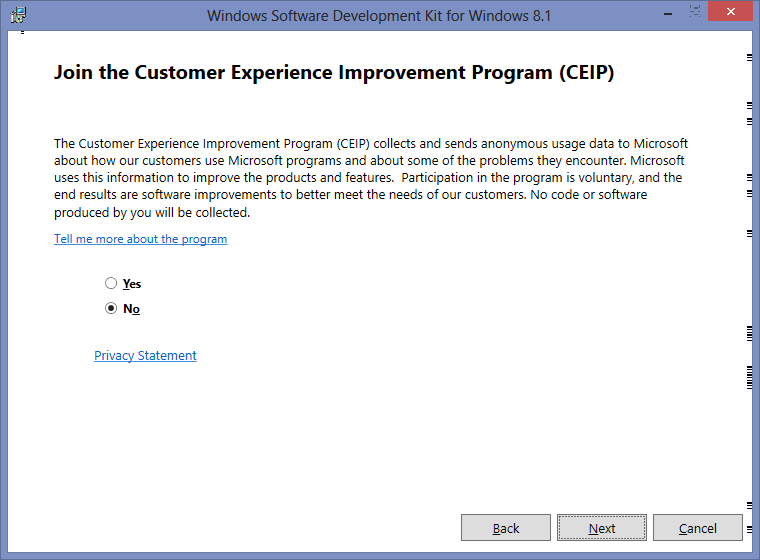
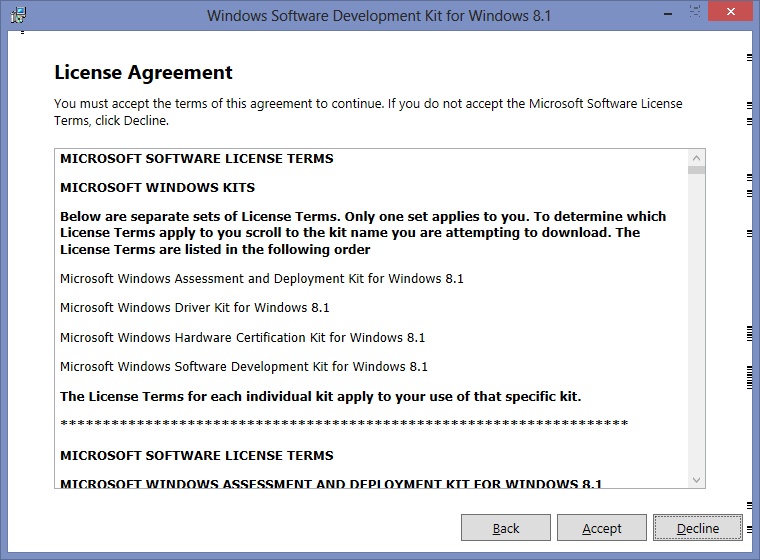
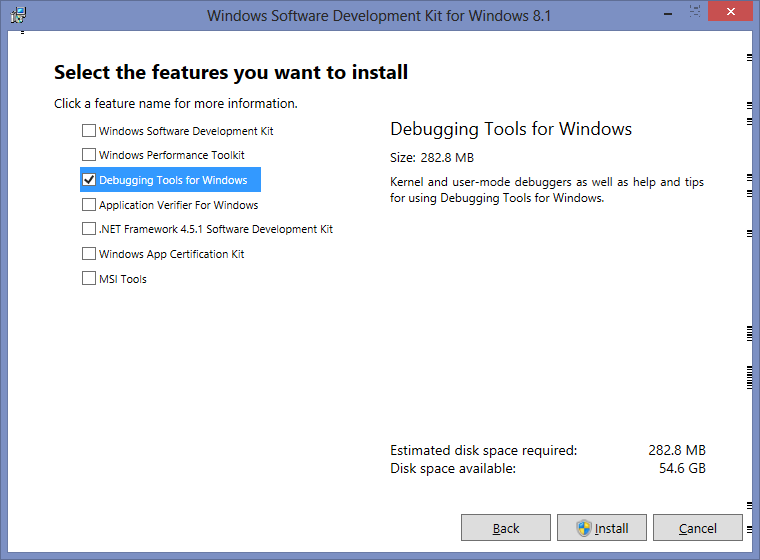
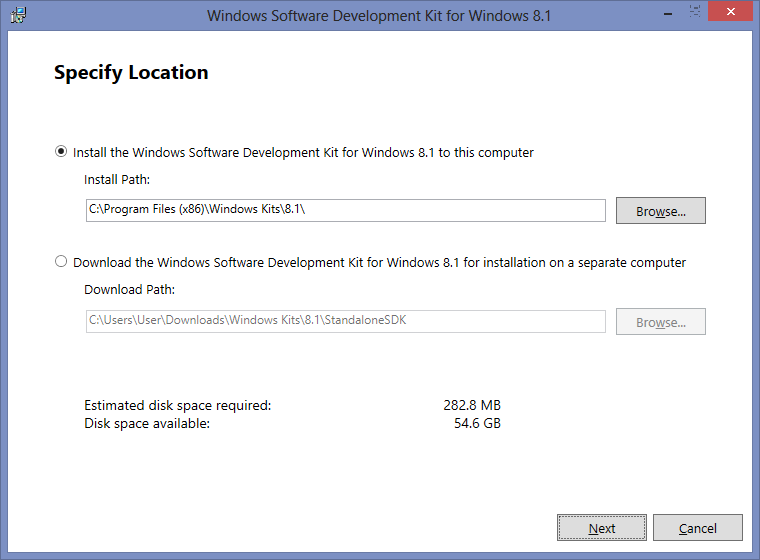
  •     All you need to install is the “Install Debugging Tools for Windows as a Standalone Component (from Windows SDK)” and during the install only select "Debugging Tools for Windows".  Everything else is used for more advanced troubleshooting or development, and isn’t needed here.  Today I followed the link to “Install Debugging Tools for Windows as a Standalone Component (from Windows SDK)” although for a different OS you may need to follow a different link. Please follow steps below.


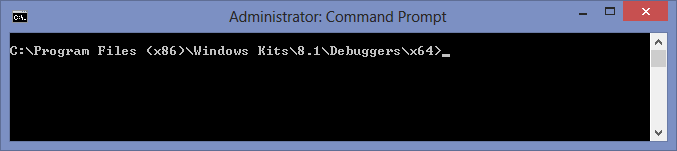
  • From an elevated command prompt navigate to the debugging folder. For me with the latest tools on Windows Server 2012 it was at C:\Program Files (x86)\Windows Kits\8.0\Debuggers\x64\.  You can specify the path during the install.

  • Save memory.dmp same location with path C:\Program Files (x86)\Windows Kits\8.1\Debuggers\x64
  • At cmd type kd -z MEMORY.DMP
        
      
  • At cmd type .logopen c:\debuglog.txt
     

  • At cmd type .sympath srv*c:\symbols*http://msdl.microsoft.com/download/symbols
  •  At cmd type .reload;!analyze -v;r;kv;lmnt;.logclose;q
  • Wait until log successfully generated as shown below;
 
  • Review the results by opening c:\debuglog.txt in your favourite text editor. For example using trace32, as you can see VTrack.sys was triggered bugcheck and cause the server unexpected shutdown.